by Hannah McTier
Everyone utilizes technology in this day and age, especially in academia. You can walk into any classroom and practically every student has a laptop, cell phone, or tablet out on their desk. Professors and TAs are no exception to this rule, either. Many classes are taught completely online now with students having to submit assignments through email or a drop box. So, it would make sense for something as vital as office hours to become virtual, as well, right? With office hours becoming virtual, many barriers, like time constraints and accessibility, are removed from the equation! Imagine a class with over 300 students or a writing intensive course? Virtual office hours offer a better solution for both students and TAs to get as much as possible out of office hours.

For many years, professors and TA’s have struggled with getting students to attend traditional face-to-face office hours (reference this post for deeper insight on this topic). It could be due to a discomfort with face-to-face interaction, a lack of time or transportation, little to no understanding on how to ask for help, and the list just goes on and on for why students do not attend traditional office hours. At the University of Georgia, we utilize an online performance platform titled eLearning Commons, or eLC for short. A new feature of this online platform, Blackboard Collaborate Ultra, is here to aid instructors with this struggle of getting students to attend office hours more often or at all by offering virtual office hours.
Many professors are not aware of this new feature on eLC, feel their students won’t utilize virtual office hours, or are uncomfortable with the idea of having virtual office hours. I encourage all professors and TAs to offer virtual office hours. I also encourage students to ask their instructors to begin offering virtual office hours when it is lacking in anyclass. I encourage this because of the great impact virtual office hours is having on my own teaching experience. The majority of my introductory biology students are true freshman and are constantly being overwhelmed by college. However, they are always comfortable with using technology as both an escape and an aid in class. When I asked my two lab sections at the beginning of the semester if anyone would be interested in virtual office hours rather than traditional face-to-face office hours, practically every hand in both classes went up.
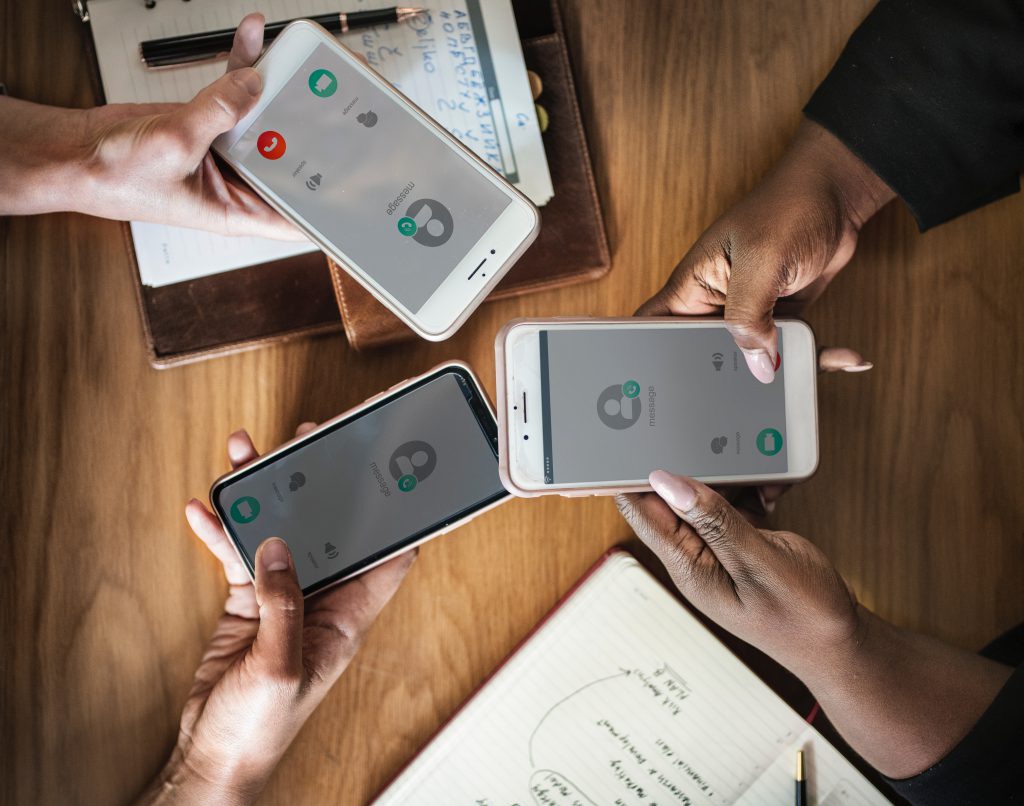
While I am a more traditional sort, I have to remember that I am both older than my students and less familiar with technology than they are. If I truly want them to succeed this semester and gain scientific writing skills from my class, then I need to meet them where they are most comfortable – online. As technology evolves, so do learning styles and needs. I have found that offering virtual office hours not only allows more students to meet with me, but it also allows them to feel more comfortable with the whole process. They are essentially video chatting with me about their writing assignments from a place of their choosing instead of having to travel across campus, find my office, and then awkwardly sit through a session with me. When teaching students how to write at the collegiate level, comfort is the key to success. They need to be comfortable with the assignment, the instructor, and the process of writing.
If I truly want them to succeed this semester and gain scientific writing skills from my class, then I need to meet them where they are most comfortable – online.
Blackboard Collaborate Ultra is an online platform used for web conferencing and can be found on eLC under the Tools dropdown or as its’ own menu item for a course. Do not worry professors, it can be added to any course! You can create a course room specific to your course and section which can be joined for collaboration at any point in time by anyone in the course, whether student, professor, or TA. Or, if you are like me and only offer set office hours once a week, you can also create sessions for specific time periods. Check out the following website for more information on or help with using Blackboard Collaborate Ultra and good luck: http://ctl.uga.edu/collaborate-ultra.